XML vs. TXT Sitemaps: The Definitive Guide to Boosting Your SEO
In the complex ecosystem of Search Engine Optimization (SEO), we often focus on keywords, content quality, and backlinks. However, the technical foundation of your website—the "scaffolding" that search engines use to understand your site's structure—is just as critical. A central piece of this scaffolding is the sitemap.
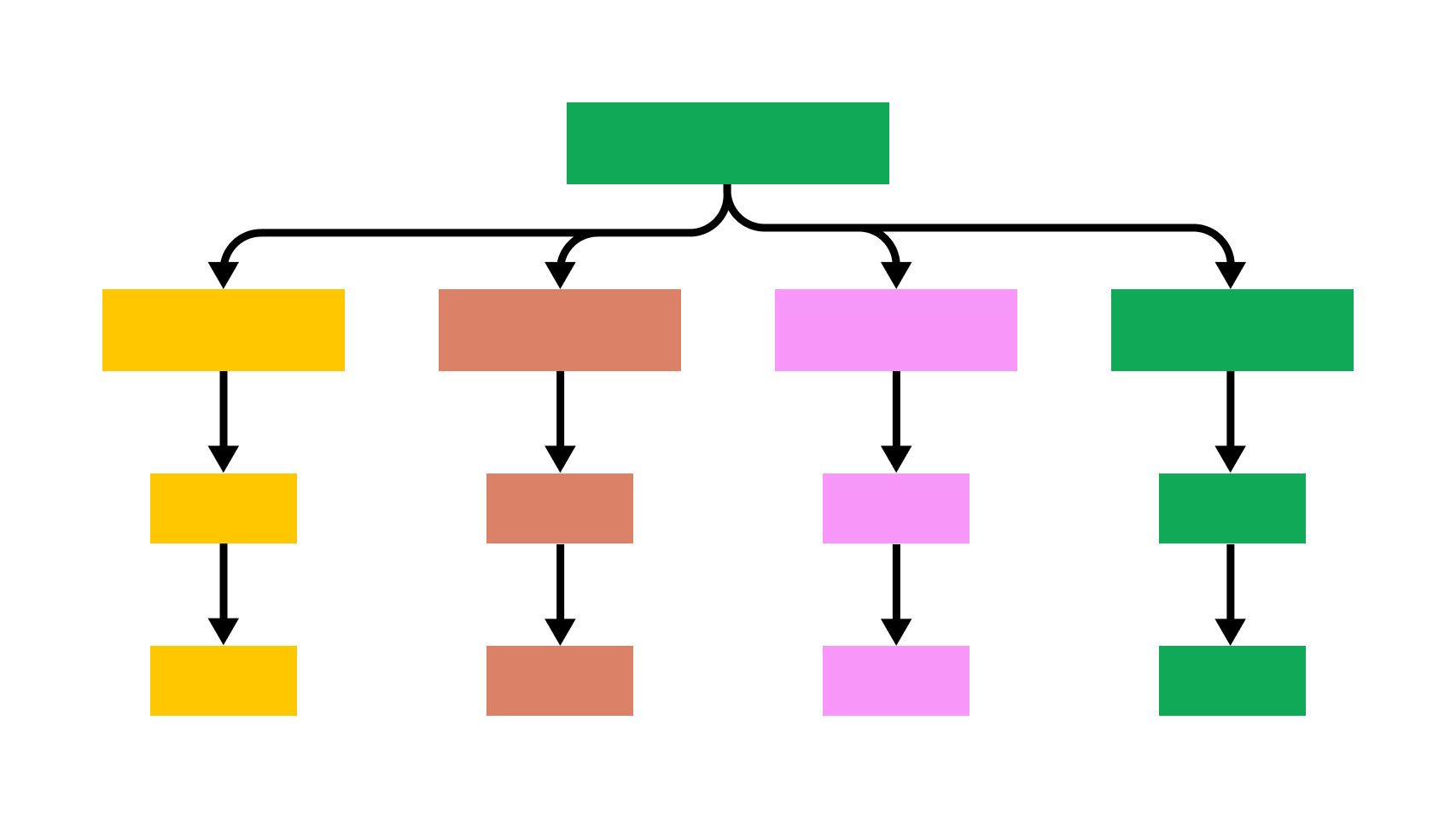
A sitemap is exactly what it sounds like: a map of your website. It's a file you create to tell search engine crawlers (like Googlebot) which pages on your site are available for crawling. But when it comes to creating this map, you have two primary choices: a simple TXT file or a more robust XML file.
The question for every website owner, developer, and SEO professional is: which one is better?
While both are technically "valid," the answer is overwhelmingly clear. Using a TXT sitemap in today's SEO landscape is like bringing a notepad to a software engineering job. It works for the simplest of tasks, but it's not the professional tool you need to succeed.
This article will provide a deep dive into both sitemap formats, explain why XML is the undisputed champion for SEO, and show you how to implement it correctly.
What is a Sitemap and Why Do You Need One?
Before we compare formats, let's establish why you need a sitemap at all. Search engines discover new content by "crawling" the web—following links from one page to another.
A sitemap streamlines this process. It's a direct line of communication to Google, Bing, and other search engines, where you can say: "Here are all the pages I consider important on my site. Please come and look at them."
You especially need a sitemap if:
- Your site is large: With thousands of pages, it's easy for crawlers to miss some in a normal crawl.
- Your site is new: New sites have few (if any) external links pointing to them, making them hard to discover.
- Your site has a complex structure or poor internal linking: If pages aren't well-linked to each other, a sitemap provides a direct path.
- Your site has rich media: Specialized XML sitemaps exist for video, image, and news content, which helps in those specific search verticals.
The TXT Sitemap: Simplicity at a Cost
A .txt sitemap is the most basic implementation possible. It is a simple plain text file that contains a list of your website's URLs, with one URL per line.
It looks exactly like this:
https://www.example.com/
https://www.example.com/about-us
https://www.example.com/blog
https://www.example.com/blog/my-first-post
Pros:
- Extremely Simple: Anyone who can use Notepad can create one.
Cons (The "Cost"):
- No Metadata: This is the critical failure. A TXT sitemap is just a list. It cannot tell Google anything about those URLs.
- No "Last Modified" Date: You cannot tell Google when a page was last updated. This is arguably the most valuable piece of information in a modern sitemap, as it encourages Google to recrawl fresh content.
- No Priority: You can't signal which pages you deem more important than others (e.g., your homepage vs. a blog comment page).
- No Frequency: You can't suggest how often a page is likely to change.
- No Specialized Sitemaps: You cannot use a TXT file for video, image, or Google News sitemaps.
- No Index Files: If your site has more than 50,000 URLs, you need to split your sitemap. XML allows for a "sitemap index" file (a sitemap of sitemaps). TXT does not support this.
A TXT sitemap is better than no sitemap, but only by the slimmest of margins. It’s a relic from an older, simpler era of the web.
The XML Sitemap: The Professional SEO Standard
XML (Extensible Markup Language) is a machine-readable format designed to store and transport data. The sitemap protocol, standardized by Google, Yahoo, and Microsoft (Bing) in 2006, is built on XML.
An XML sitemap doesn't just list URLs; it annotates them with valuable metadata.
Here is a basic example of an XML sitemap entry:
<?xml version="1.0" encoding="UTF-8"?>
<urlset xmlns="http://www.sitemaps.org/schemas/sitemap/0.9">
  <url>
    <loc>https://www.example.com/</loc>
    <lastmod>2025-10-24</lastmod>
    <changefreq>daily</changefreq>
    <priority>1.0</priority>
  </url>
  <url>
    <loc>https://www.example.com/about-us</loc>
    <lastmod>2025-10-01</lastmod>
    <changefreq>monthly</changefreq>
    <priority>0.8</priority>
  </url>
</urlset>
Let's break down these tags:
<urlset>: The container for all the URL entries.<url>: The parent tag for each individual URL.<loc>: (Required) The location, or the URL itself.<lastmod>: (Optional, but Highly Recommended) The date the page was last modified, in YYYY-MM-DD format.<changefreq>: (Optional) A hint to crawlers about how often the page changes (e.g.,always,hourly,daily,weekly,monthly,yearly,never).<priority>: (Optional) A rating of this page's importance relative to your other pages, from 0.0 to 1.0.
The Verdict on Metadata:
In modern SEO, the <lastmod> tag is the most important piece of metadata. It's your primary tool for managing Google's "crawl budget." When you update a page, your sitemap should automatically update the <lastmod> date. This signals to Google, "This page has fresh content, and it's worth your time to recrawl it."
It's important to note that Google has publicly stated it largely ignores <priority> and <changefreq> as webmasters often misused them. However, <lastmod> is actively used and respected. A TXT sitemap has no way to provide this vital signal.
How to Create and Submit Your XML Sitemap
The best part about XML sitemaps is that you almost never have to create them by hand.
-
For CMS Users (WordPress, Shopify, etc.):
- WordPress: SEO plugins like Yoast SEO or Rank Math generate and automatically update your XML sitemap for you. It's usually found at
yourdomain.com/sitemap_index.xml. - Shopify: This is handled automatically. Your sitemap is at
yourdomain.com/sitemap.xml. - Wix/Squarespace: These platforms also auto-generate your XML sitemap.
- WordPress: SEO plugins like Yoast SEO or Rank Math generate and automatically update your XML sitemap for you. It's usually found at
-
For Custom Sites:
- You can use a tool like Screaming Frog SEO Spider, which can crawl your site and generate a compliant XML sitemap.
- Many online sitemap generators can also do this for smaller sites.
Submitting Your Sitemap:
Once you have your sitemap URL, you need to tell Google:
- Google Search Console: This is the best method. Log in to your Search Console property, go to "Sitemaps" in the left-hand menu, paste in your sitemap's URL (e.g.,
/sitemap_index.xml), and click "Submit." This allows you to track its submission status and see if Google has found any errors. -
Robots.txt: You should also add a line to your
robots.txtfile (located at the root of your domain) that points to your sitemap:Sitemap: https://www.example.com/sitemap.xml
Conclusion: It's Not a Fair Fight
The debate between TXT and XML sitemaps is not a debate at all.
- A TXT sitemap is a silent, basic list of URLs. It tells a search engine that a page exists.
- An XML sitemap is a rich, descriptive guide. It tells a search engine that a page exists, when it was last updated, how it relates to other content, and (if applicable) what specialized media it contains.
For any website serious about its search engine visibility, content freshness, and crawl efficiency, the XML sitemap is the only professional choice. It is a foundational element of technical SEO that provides a level of communication and control that a simple text file can never offer.
Stop leaving your site's discoverability to chance. Check your sitemap today. If it's a .txt file—or worse, non-existent—make the switch to XML. Your SEO will thank you for it.